
Best Ecommerce Platform for Small Business in 2026

Table of Contents
- How to Choose the Best Ecommerce Platform for Small Business
- Top Ecommerce Platforms for Small Business: Compared
- 1. Shopify, Best All-in-One Platform for Growing Brands
- 2. WooCommerce, Best for Full Customization Control
- 3. Wix eCommerce, Best for Design-First Beginners
- 4. Squarespace, Best for Creatives and Brand-Led Shops
- 5. BigCommerce, Best for Scalability Without Transaction Fees
- 6. Ecwid by Lightspeed, Best for Adding a Store to an Existing Site
- 7. Square Online, Best for Brick-and-Mortar Retailers Going Online
- Shopify vs WooCommerce for Small Business: A Direct Comparison
- Ecommerce Website Features Checklist: What Your Platform Must Have
- How to Start an Online Store for Beginners: A Platform-First Approach
- Industry-Specific Platform Matching and Migration Path Analysis
- Which Ecommerce Platform Should You Choose? Our Verdict
- Conclusion
Last Updated: June 9, 2026
Picking the best ecommerce platform for small business is one of the most consequential decisions you’ll make as an online seller. This guide from Embed360 breaks down every major platform in 2026 so you can choose with confidence. The "best" platform depends entirely on your business model, technical comfort level, and growth trajectory.
An ecommerce platform lets businesses build, manage, and scale an online store, handling product listings, checkout, inventory, and payment processing. The platform you choose becomes your digital foundation, so switching later is painful and expensive.
How to Choose the Best Ecommerce Platform for Small Business
Most people pick a platform based on brand recognition, commit to it, then discover six months later it doesn’t support their preferred payment gateway or can’t handle their catalog structure. The smarter approach: define your constraints first, then match platforms to them.
Ask yourself four questions before comparing any tools:
- How technical are you? If you’re not comfortable managing hosting, SSL certificates, and plugin updates, open-source will drain your time.
- How many products will you sell? Platforms handle catalog size very differently.
- What channels do you need? Omnichannel selling requires specific integrations.
- What’s your realistic year-one budget? Not just the subscription, but apps, themes, and transaction fees combined.
SaaS vs. Open-Source: Which Model Fits Your Business?
SaaS platforms like Shopify, BigCommerce, Wix, and Squarespace handle hosting, security, and maintenance for you. You pay a monthly subscription and focus on selling. The tradeoff: less customization control and ongoing costs.
Open-source platforms like WooCommerce give you complete data ownership and unlimited customization. The tradeoff: you’re responsible for hosting, security updates, and technical maintenance, which most small business owners underestimate.
For most small businesses without a dedicated developer, SaaS wins on total time investment. Open-source makes sense only when you have specific technical requirements no SaaS platform can meet.
Budget and Total Cost of Ownership (TCO)
The subscription price is almost never the real cost. A platform advertised at $29/month can easily run $150-200/month once you add apps, premium themes, and payment processing fees.
| Cost Category | What to Calculate |
|---|---|
| Platform subscription | Monthly or annual plan fee |
| Transaction fees | Per-sale percentage if not using native payments |
| App/plugin costs | Average 3-5 paid apps for a functional store |
| Theme/design | One-time or annual cost |
| Hosting (open-source only) | Monthly server costs |
| Developer time | Setup, customization, maintenance hours |
Add these up over 12 months. According to Shopify’s merchant resource center, app costs are one of the most commonly underestimated expenses for new store owners.
Many small businesses choose the cheapest subscription tier only to hit feature limits within 90 days. Check whether your chosen plan includes the specific features you need before signing up, not after.
Top Ecommerce Platforms for Small Business: Compared
Choosing the right ecommerce platform comes down to matching features to your actual workflow. Here’s a direct look at every major platform worth your attention in 2026.

| Platform | Starting Price | Best For | Free Tier | Transaction Fees |
|---|---|---|---|---|
| Shopify | $39/month | All-in-one growing brands | No | Yes (if not using Shopify Payments) |
| WooCommerce | Free (+ hosting) | Full customization control | Yes | No |
| Wix eCommerce | $29/month | Design-first beginners | No | No |
| Squarespace | $25/month | Creatives and brand-led shops | No | No |
| BigCommerce | $39/month | Scalability without transaction fees | No | No |
| Ecwid by Lightspeed | $5/month | Adding a store to an existing site | Yes | No |
| Square Online | $0/month | Brick-and-mortar going online | Yes | Yes (transaction-based) |
1. Shopify, Best All-in-One Platform for Growing Brands
Shopify is the best all-in-one ecommerce platform for small businesses that expect to grow, offering an extensive app marketplace, integrated payment processing, and multi-channel selling out of the box.

Starting price: $39/month
Best for: Small businesses and scaling brands that want everything in one place
Pros:
- User-friendly drag-and-drop builder with hundreds of themes
- Shopify Payments eliminates third-party gateway complexity
- Massive app marketplace for marketing, inventory, and analytics
- Hosting and SSL included
Cons:
- Transaction fees apply if you use a payment gateway other than Shopify Payments
- App costs escalate quickly; a fully functional store often requires 4-6 paid apps
What most reviews miss: Shopify’s real strength is its ecosystem. The depth of integrations, from Google Shopping to Instagram to email marketing, is unmatched for connecting new sales channels.
2. WooCommerce, Best for Full Customization Control
WooCommerce gives WordPress users complete data ownership, unlimited product support, and thousands of free and premium extensions. There’s no platform-specific monthly fee, but don’t mistake "free" for "cheap."
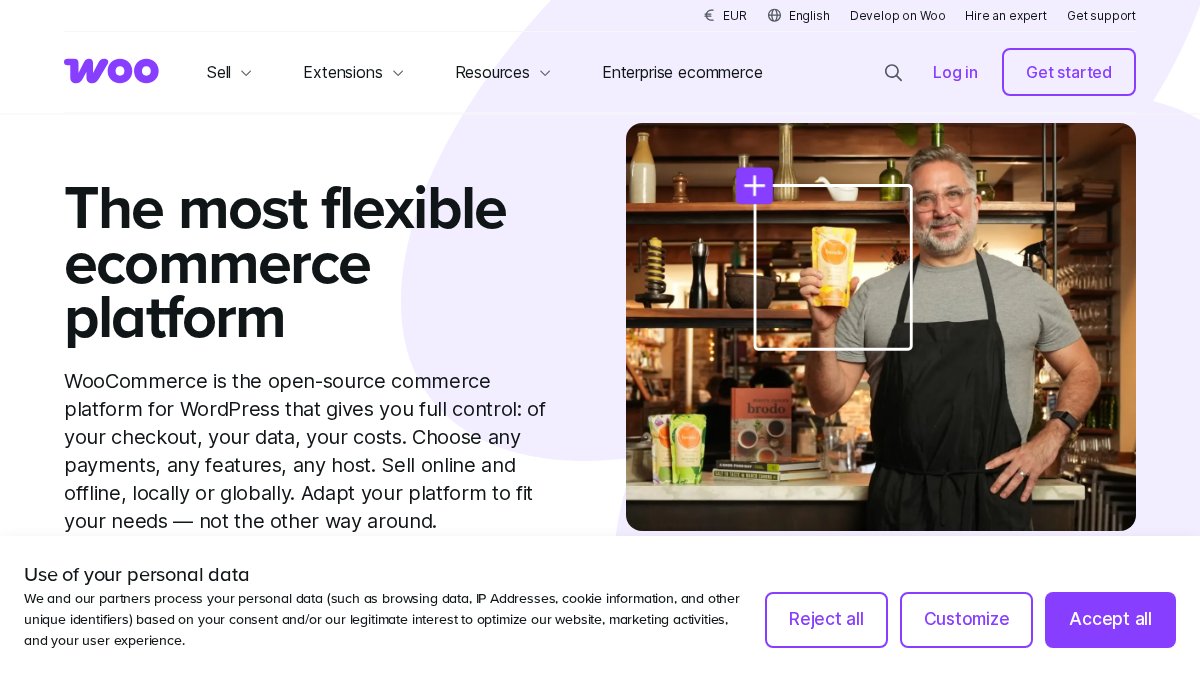
Starting price: Free (hosting typically $10-30/month)
Best for: WordPress users and businesses requiring deep customization
Pros:
- Unmatched flexibility for store design and functionality
- Full data ownership with no vendor lock-in
- Deep integration with the WordPress content ecosystem
Cons:
- Requires ongoing technical maintenance: security updates, plugin conflicts, hosting management
- True cost is higher than it appears once you factor in hosting and premium extensions
In practice: WooCommerce is excellent for businesses with a developer on hand. For everyone else, the maintenance overhead becomes a real distraction from running the business.
3. Wix eCommerce, Best for Design-First Beginners
Wix is built for sellers with no coding experience, offering an intuitive drag-and-drop editor with mobile-optimized templates and built-in SEO tools that require zero technical knowledge.
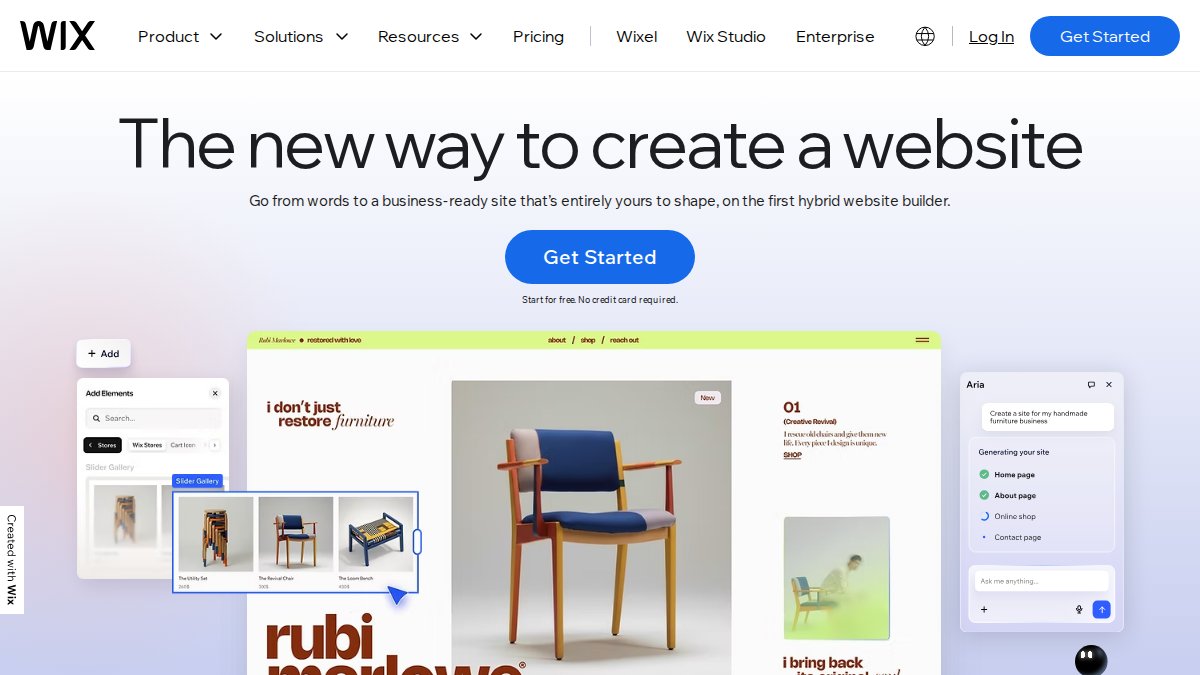
Starting price: $29/month
Best for: Beginners and small businesses prioritizing design and ease of use
Pros:
- Fastest path from zero to live store for non-technical users
- Excellent design flexibility with hundreds of mobile-friendly templates
- Built-in marketing automation and SEO tools
Cons:
- Limited advanced ecommerce features compared to Shopify or BigCommerce
- Store performance can degrade as the product catalog scales
Wix works best for stores with fewer than 500 products. If you’re planning a large catalog from day one, start on a platform built for scale.
4. Squarespace, Best for Creatives and Brand-Led Shops
Award-winning design templates make Squarespace the top choice for artists, photographers, and brand-led businesses where visual storytelling drives conversions. The all-in-one package includes domain, hosting, and a clean checkout flow.

Starting price: $25/month
Best for: Creatives, artists, and shops where brand aesthetics are central
Pros:
- Visually stunning storefronts with minimal setup effort
- Integrated blogging and portfolio features for content-driven brands
- Simplified inventory management and checkout
Cons:
- Fewer third-party integrations than Shopify or WooCommerce
- Not well-suited for large or complex product catalogs
5. BigCommerce, Best for Scalability Without Transaction Fees
BigCommerce charges no transaction fees on any plan and includes native multi-channel selling and advanced SEO tools built directly into the platform. For businesses with growing order volumes, that fee elimination compounds into significant savings.
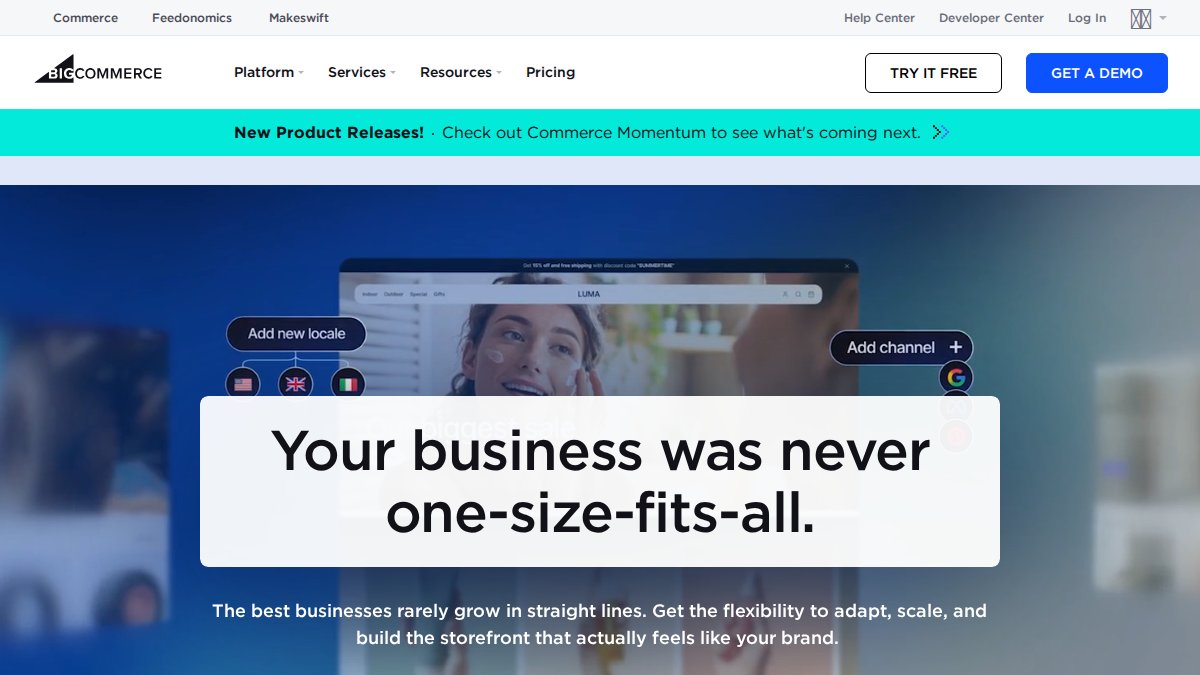
Starting price: $39/month
Best for: Growing businesses needing advanced logistics and scalability
Pros:
- Highly scalable with powerful built-in features that don’t require extra apps
- Excellent for large or complex product catalogs
- Open APIs for headless commerce integrations
Cons:
- Interface can overwhelm absolute beginners
- Higher starting price than entry-level builders
6. Ecwid by Lightspeed, Best for Adding a Store to an Existing Site
Ecwid solves a specific problem: adding ecommerce to a site you already have, whether WordPress, Wix, or a basic HTML page. The embeddable store widget syncs inventory across Instagram, Facebook, TikTok, and your website simultaneously.
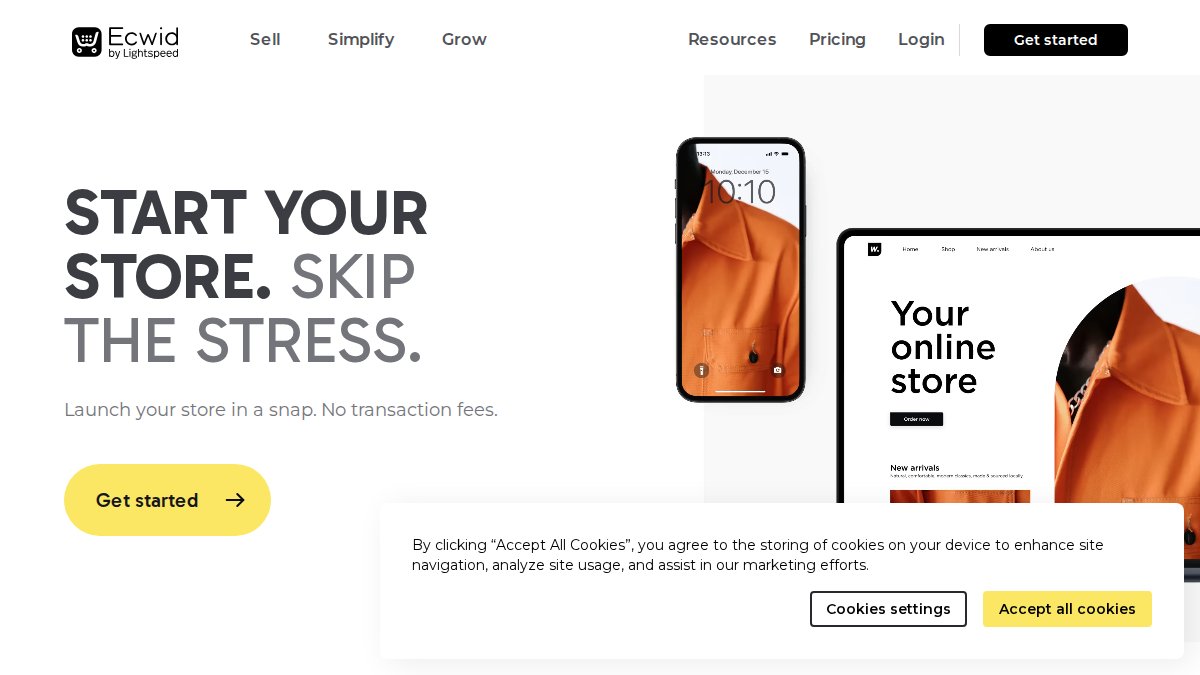
Starting price: $5/month (free tier available)
Best for: Businesses with an existing web presence wanting to add selling
Pros:
- Extremely easy to integrate into existing platforms
- Affordable entry-level pricing with a genuine free tier
- Omnichannel selling across social media and web
Cons:
- Not a full website builder; depends on your existing site quality
- Limited customization compared to standalone platforms
7. Square Online, Best for Brick-and-Mortar Retailers Going Online
Square Online is the obvious choice for physical retailers already using Square for in-person payments, online and in-store inventory sync is seamless and real-time. The free plan lowers the barrier for businesses testing online sales for the first time.

Starting price: $0/month (transaction fees apply on free plan)
Best for: Brick-and-mortar retailers and restaurants moving online
Pros:
- Perfect synchronization for businesses already in the Square ecosystem
- Integrated local delivery, pickup, loyalty, and marketing tools
Cons:
- Design options are more limited than dedicated builders
- Best value is restricted to businesses within the Square ecosystem
Shopify vs WooCommerce for Small Business: A Direct Comparison
The Shopify vs WooCommerce debate is the most common decision point for small business owners, and the answer hinges on one factor: how much technical ownership you want.
| Factor | Shopify | WooCommerce |
|---|---|---|
| Monthly cost | From $39/month | Free + $10-30/month hosting |
| Technical skill needed | Low | Medium to high |
| Customization ceiling | High (via apps) | Unlimited |
| Data ownership | Platform-owned | Fully yours |
| Maintenance burden | None | Ongoing |
| Scalability | Excellent | Excellent |
| Transaction fees | Yes (without Shopify Payments) | No |
Shopify costs more monthly but saves hours of technical work. WooCommerce costs less in subscription fees but demands ongoing attention. For most small business owners without a developer, Shopify wins. For WordPress-native businesses with technical resources, WooCommerce is genuinely superior.
According to WooCommerce’s official documentation, the platform powers a significant share of all online stores globally, largely because of the deeply established WordPress ecosystem it builds on.
Ecommerce Website Features Checklist: What Your Platform Must Have
Every ecommerce website features checklist should distinguish between day-one non-negotiables and growth-stage additions. Confusing the two leads to overpaying for features you don’t need yet, or choosing a platform that can’t support your next stage.
Non-Negotiable Features
- SSL certificate included (HTTPS security for all pages)
- Mobile-friendly responsive design across all templates
- Secure payment gateway integration (Stripe, PayPal, or native processor)
- Basic inventory management with stock level tracking
- Checkout flow optimized for conversion (minimal steps, guest checkout option)
- SEO optimization tools: editable meta titles, descriptions, and URLs
- Analytics dashboard showing traffic, sales, and conversion data
- Customer support access (chat, email, or phone)
Growth-Stage Features Worth Paying For
- Marketing automation: abandoned cart emails, post-purchase sequences
- Omnichannel selling: sync inventory across social media, marketplaces, and your site
- Advanced analytics: customer lifetime value, cohort analysis, product performance
- App marketplace access for extending functionality without custom development
- Multi-currency and international shipping support
- Subscription and recurring billing support
The platforms that include growth-stage features in their base plan (BigCommerce, Shopify) tend to be cheaper long-term than those requiring expensive app add-ons to reach the same capability.
How to Start an Online Store for Beginners: A Platform-First Approach
The most common beginner mistake is choosing a platform last, after building a brand identity, photographing products, and writing copy. Platform choice should happen first because it shapes everything else.

Step 1: Define your product type and volume [Time: 30 minutes]
Physical products, digital downloads, services, and subscriptions each have different platform requirements.
Step 2: Set your year-one budget [Time: 15 minutes]
Use the TCO framework above. Include platform, apps, theme, domain, and payment processing.
Step 3: Choose your platform based on technical comfort [Time: 1-2 hours]
- Complete beginner: Wix or Square Online
- Design-focused: Squarespace
- Growth-focused: Shopify
- Technical/WordPress user: WooCommerce
- Scaling from the start: BigCommerce
Step 4: Set up your digital storefront [Time: 1-3 days]
Choose a mobile-friendly template, upload your first 10-20 products, configure your payment gateway, and set shipping rules.
Step 5: Connect your sales channels [Time: 2-4 hours]
This is where tools like Embed360 become genuinely useful. If you’re already selling on Etsy, Embed360 syncs your listings, pricing, and inventory in real-time across your new website, Google Shopping, and Facebook and Instagram shops, no manual updates across platforms.
Step 6: Test your checkout flow before launch [Time: 1 hour]
Place a test order. Check mobile display. Verify confirmation emails. Confirm inventory updates correctly. Most launch problems are discovered here.
As documented in Google’s merchant experience guidelines, a clean checkout flow with minimal friction is one of the highest-impact factors in online store conversion rates.
Industry-Specific Platform Matching and Migration Path Analysis
Different business models have genuinely different platform requirements. A handmade goods seller has different needs than a wholesale distributor, and ignoring that leads to overpaying for unused features or hitting unexpected walls.
Matching Your Business Type to the Right Platform
| Business Type | Recommended Platform | Key Reason |
|---|---|---|
| Handmade/Etsy seller expanding online | Shopify or Wix + Embed360 | Easy setup, strong social channel integration |
| Physical retail adding online sales | Square Online | Native POS sync eliminates inventory duplication |
| Creative/portfolio brand | Squarespace | Design-first templates match brand expectations |
| WordPress-based content business | WooCommerce | Native integration with existing content ecosystem |
| High-volume or B2B seller | BigCommerce | No transaction fees, advanced catalog management |
| Business with existing website | Ecwid by Lightspeed | Add selling without rebuilding the site |
For Etsy sellers, the migration path is often misunderstood. Many assume they must manually recreate every listing on a new platform. Embed360 eliminates that: its real-time syncing pulls your Etsy listings, images, pricing, and inventory directly into your new Shopify, Wix, or Squarespace store, with AI-powered optimization that improves titles and descriptions for each channel’s search algorithm.
Planning Your Migration and Post-Launch Maintenance
Treat the platform launch as a starting line, not a finish line.
Post-launch maintenance requirements by platform type:
- SaaS platforms (Shopify, BigCommerce, Wix, Squarespace): Minimal. Platform handles security, hosting, and core updates. Your tasks: app updates, content additions, theme adjustments.
- Open-source (WooCommerce): Significant. Expect monthly time investment for security patches, plugin compatibility, and hosting management. Budget for occasional developer support.
Migration path checklist:
- Export all product data (titles, descriptions, images, pricing, SKUs) from current platform
- Map product categories to new platform taxonomy before importing
- Set up 301 redirects from old URLs to new ones to protect SEO
- Recreate customer accounts or migrate email list to new marketing automation tool
- Test all payment gateway connections before going live
- Verify inventory levels sync correctly across all channels
According to Shopify’s migration guide for store owners, URL redirect setup is the most commonly skipped migration step, and the one that causes the most lasting SEO damage.
Which Ecommerce Platform Should You Choose? Our Verdict
The best ecommerce platform for small business in 2026 is Shopify for most use cases, with WooCommerce as the best alternative for technically capable WordPress users and BigCommerce as the strongest choice for high-volume sellers who need to eliminate transaction fees.
- Starting from scratch, non-technical: Wix or Square Online
- Brand-led creative shop: Squarespace
- Growth-focused small business: Shopify
- WordPress-native with technical resources: WooCommerce
- Scaling business with complex catalog: BigCommerce
- Adding selling to an existing site: Ecwid by Lightspeed
- Physical retailer going online: Square Online
Your first platform choice probably won’t be your forever choice. The goal isn’t to find the perfect platform for year five, it’s to find the right one for year one with a clear migration path when you need more.
Overall Ratings:
| Platform | Ease of Use | Features | Value | Scalability |
|---|---|---|---|---|
| Shopify | 9/10 | 9/10 | 8/10 | 9/10 |
| WooCommerce | 6/10 | 10/10 | 9/10 | 9/10 |
| Wix | 10/10 | 7/10 | 8/10 | 6/10 |
| Squarespace | 9/10 | 7/10 | 8/10 | 7/10 |
| BigCommerce | 7/10 | 9/10 | 8/10 | 10/10 |
| Ecwid | 9/10 | 6/10 | 9/10 | 6/10 |
| Square Online | 9/10 | 7/10 | 9/10 | 7/10 |
For sellers expanding from Etsy to their own website and social channels, the platform decision is only half the equation, you still need inventory, pricing, and listings synchronized across every channel without manual updates. Learn more about how the Ecwid multi-channel selling approach compares for small businesses if you’re evaluating lightweight options.
Expanding from Etsy to your own online store is the right move, but managing listings, pricing, and inventory across multiple platforms manually is where growth stalls. Embed360 solves this directly: real-time syncing keeps your products accurate across Shopify, Wix, Squarespace, Google Shopping, and social shops simultaneously, while AI-powered listing optimization improves your titles and descriptions for each channel’s search algorithm. Create a free Embed360 account and start selling across every channel without the manual overhead.
Frequently Asked Questions
What is the easiest ecommerce platform for beginners?
Wix eCommerce and Squarespace are generally the easiest ecommerce platforms for beginners thanks to their drag-and-drop builders and guided setup flows. Square Online is also a strong choice if you want a free starting point. For those who want more selling power with minimal technical effort, Shopify strikes a solid balance between ease of use and built-in features like inventory management, payment processing, and a robust app marketplace.
Which ecommerce platform is cheapest for small businesses?
WooCommerce, Ecwid, and Square Online all offer free entry points, making them the most budget-friendly options. WooCommerce is free to install but requires paid hosting and domain costs. Square Online has a free plan with transaction fees. Ecwid starts at $5 per month. When calculating true cost, factor in hosting, SSL certificates, transaction fees, and any app subscriptions, this total cost of ownership often matters more than the headline monthly price.
Is Shopify or WooCommerce better for small businesses?
It depends on your priorities. Shopify is better for small businesses that want a fully managed, all-in-one solution with reliable hosting, security, and a large app marketplace, ideal if you prefer minimal technical upkeep. WooCommerce is better if you already use WordPress, want full control over your digital storefront, and are comfortable managing hosting and security updates. Shopify has a predictable monthly cost; WooCommerce's startup costs are lower but ongoing maintenance adds up.
Do I need a website builder or a dedicated ecommerce platform?
If selling products is your primary goal, a dedicated ecommerce platform like Shopify or BigCommerce gives you stronger checkout flow, inventory management, and scalability. Website builders like Wix or Squarespace work well if you need a brand presence alongside modest selling. For businesses already on a platform, tools like Ecwid let you add ecommerce without rebuilding your site. Etsy sellers expanding to multiple channels can also benefit from multi-channel sync tools to manage listings across platforms from one place.
What should I look for when choosing an ecommerce platform?
Focus on five core areas: total cost of ownership (monthly fees plus transaction fees and app costs), ease of use relative to your technical skill level, scalability as your catalog and traffic grow, payment gateway options and SSL certificate security, and available integrations for marketing automation and omnichannel selling. Also consider post-launch maintenance requirements, SaaS platforms handle updates automatically, while open-source platforms like WooCommerce require ongoing technical management.
