
How to Sync Etsy Inventory to Shopify: 2026 Guide

Table of Contents
- Why Syncing Etsy Inventory to Shopify Matters
- What You Need Before You Sync Etsy Inventory to Shopify
- Step-by-Step: How to Sync Etsy Inventory to Shopify
- Best Etsy Shopify Integration Apps Compared
- Pros and Cons of Selling on Etsy and Shopify Simultaneously
- How to Manage Multi-Channel Inventory Without Overselling
- Protecting Your Etsy SEO During Migration and Sync Setup
- Troubleshooting Common Sync Errors
Last Updated: June 6, 2026
Selling on Etsy and Shopify simultaneously sounds like a dream until your inventory falls out of sync and you oversell a product you ran out of two days ago. Knowing how to sync Etsy inventory to Shopify is the difference between a smooth multi-channel operation and a customer service nightmare. This guide from Embed360 covers every step, from choosing the right integration app to preserving your Etsy SEO during setup.
The real challenge isn’t technical. It’s data mapping, sync frequency decisions, and keeping your Etsy listings intact while Shopify takes on more sales volume. Get those three things right, and everything else follows.
Why Syncing Etsy Inventory to Shopify Matters
Managing stock manually across two platforms is a losing game. A sale on Etsy doesn’t automatically reduce your Shopify quantity, and that gap, even minutes wide, creates overselling situations that damage your seller reputation and trigger Etsy’s late shipment penalties.
Etsy brings discovery traffic from shoppers seeking handmade and unique items; Shopify gives you brand control, better checkout customization, and direct customer relationships. According to Shopify’s official multi-channel selling documentation, merchants selling on multiple channels consistently see higher order volumes than single-storefront sellers. Without automated inventory management, you’re updating stock in two places every time a sale happens, unsustainable past any meaningful volume.
Real-time inventory synchronization between Etsy and Shopify isn’t a luxury feature. For any seller processing more than 10-15 orders per week across both platforms, it’s essential infrastructure.
What You Need Before You Sync Etsy Inventory to Shopify
Prerequisites: Etsy Shop Settings and Shopify Admin Access
You’ll need admin-level access to both platforms. On Etsy, your shop must be open and in good standing, with inventory tracking enabled and quantity fields filled in for every active listing. On Shopify, you need any paid plan and inventory tracking turned on under Settings > Inventory.
Before you start:
- Assign unique SKUs to all Etsy listings.
- Ensure Shopify products are either blank (fresh import) or clearly labeled if merging catalogs.
- Disable any manual inventory update rules in Shopify to avoid conflicts once sync is active.
Understanding SKU Mapping and Product Variants
SKU mapping is the backbone of any Etsy-Shopify integration, it’s how the system knows that "RING-SLV-SZ7" on Etsy corresponds to the same product on Shopify. Without accurate SKU mapping, your sync will duplicate products or update the wrong variants.
Variants add complexity: a candle in three scents and two sizes is six variants, each needing its own SKU on both platforms. Audit your variant SKUs before connecting the platforms.
SKU mapping is the process of linking product variants across platforms using a shared identifier so that inventory updates on one channel automatically reflect on the other.
Step-by-Step: How to Sync Etsy Inventory to Shopify
The full process takes most sellers one to three hours depending on catalog size.
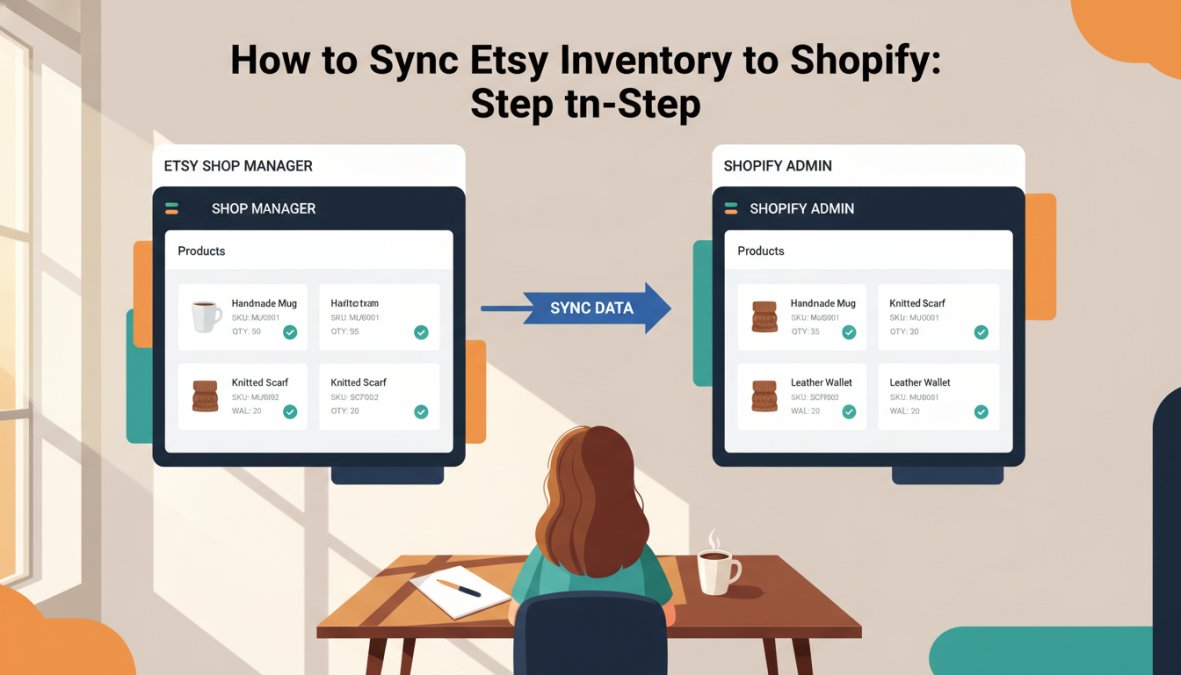
Total Time: 1-3 hours
Difficulty: Beginner to Intermediate
Step 1: Choose and Install Your Integration App
Your choice depends on catalog size, number of Etsy accounts, and whether you need VAT handling or multi-currency pricing. Shopify Marketplace Connect (formerly Codisto) handles basic real-time sync well as a native option. For sellers who want listing template control, automated workflows, and AI-powered listing optimization, Embed360 is the top editorial pick, it syncs products, inventory, pricing, and images across Shopify, WordPress, Wix, Squarespace, and social channels in real time, and its AI optimization tool crafts titles and descriptions that perform in Etsy search. Install your chosen app from the Shopify App Store and grant the requested permissions.
Step 2: Connect Your Etsy API and Shopify Sales Channel
The app will prompt you to authenticate via Etsy’s OAuth flow: you’ll be redirected to Etsy, authorize the app, and return to the integration dashboard. On the Shopify side, the app connects as an authorized sales channel, no manual API key generation required for most apps.
Never share your Etsy API credentials with tools that ask for your username and password instead of using OAuth. Legitimate integrations always use Etsy’s official API authorization flow. Providing credentials directly risks account suspension.
Step 3: Configure Real-Time Inventory Sync and Sync Frequency
Many apps default to 15-minute or hourly sync, long enough to oversell during a traffic spike. Set sync frequency to real-time or as close as your plan allows. Also configure sync direction:
- Etsy to Shopify (Etsy is source of truth)
- Shopify to Etsy (Shopify is source of truth)
- Bidirectional (both platforms update each other)
Bidirectional sync is the right choice for most sellers running active storefronts on both channels.
Step 4: Map Product Attributes, Bulk Upload, and CSV Import
Map your product attributes, titles, descriptions, images, pricing, variants, and shipping profiles, using the app’s data mapping interface. For large catalogs, export your Etsy listings as a CSV, clean up the SKU column, then import into the integration app. Set up listing templates for recurring product categories (jewelry, prints, ceramics) with default shipping profiles and variant structures pre-filled to save time.
Step 5: Enable Automated Order Fulfillment and Tracking Numbers
When a Shopify order comes in for a product also listed on Etsy, the integration should automatically reduce the Etsy quantity and flag the order in your fulfillment queue. Confirm that tracking number sync is enabled: when you ship and add a tracking number in Shopify, it should push back to Etsy automatically to keep order status current and avoid late shipment flags.
Best Etsy Shopify Integration Apps Compared
| App | Real-Time Sync | Bulk Upload | VAT Handling | AI Listing Optimization | Free Plan |
|---|---|---|---|---|---|
| Embed360 | Yes | Yes | Yes | Yes | Yes |
| Shopify Marketplace Connect | Yes | Limited | Basic | No | Yes |
| Etsy Integration (third-party) | Interval-based | Yes | Varies | No | Limited |
Embed360 is the top pick for sellers who want more than basic inventory sync. Its AI-powered listing optimization improves Etsy titles and descriptions for search visibility, a feature no other tool on this list offers. It also handles Google Shopping feeds, Facebook and Instagram shops, and multiple website platforms from a single dashboard. A free plan is available, with paid tiers on the Embed360 pricing page.
Shopify Marketplace Connect is solid if you want a native Shopify solution at no additional cost, but lacks advanced listing management. For sellers where Etsy search ranking matters, and it should, Embed360’s AI optimization gives it a clear edge.
Before committing to any paid integration app, test your SKU mapping on 5-10 products first. A small test run surfaces data mapping errors before they affect your entire catalog.
Pros and Cons of Selling on Etsy and Shopify Simultaneously
The core tension: Etsy gives you traffic, Shopify gives you control.
Pros:
- Etsy’s built-in search traffic exposes products to buyers seeking handmade items with no paid acquisition cost
- Shopify gives full control over customer data, email list, and checkout experience
- Running both channels diversifies revenue against algorithm changes
- Shopify’s checkout and upsell tools typically produce higher average order values
- You can test pricing strategies on Shopify without affecting Etsy listing performance
Cons:
- Etsy’s listing and transaction fees reduce margins compared to direct Shopify sales
- Two storefronts increase operational complexity for small teams
- Etsy’s policies on products and production partners can create compliance issues at scale
- Without proper sync, inventory conflicts frequently damage seller metrics
- Buyers may be confused finding the same product at different prices on both platforms
Most sellers are better off running both platforms than choosing one, the key is getting sync infrastructure right so operational overhead stays low.
How to Manage Multi-Channel Inventory Without Overselling
Overselling is the single most common failure point for multi-channel sellers, and it’s almost always preventable.
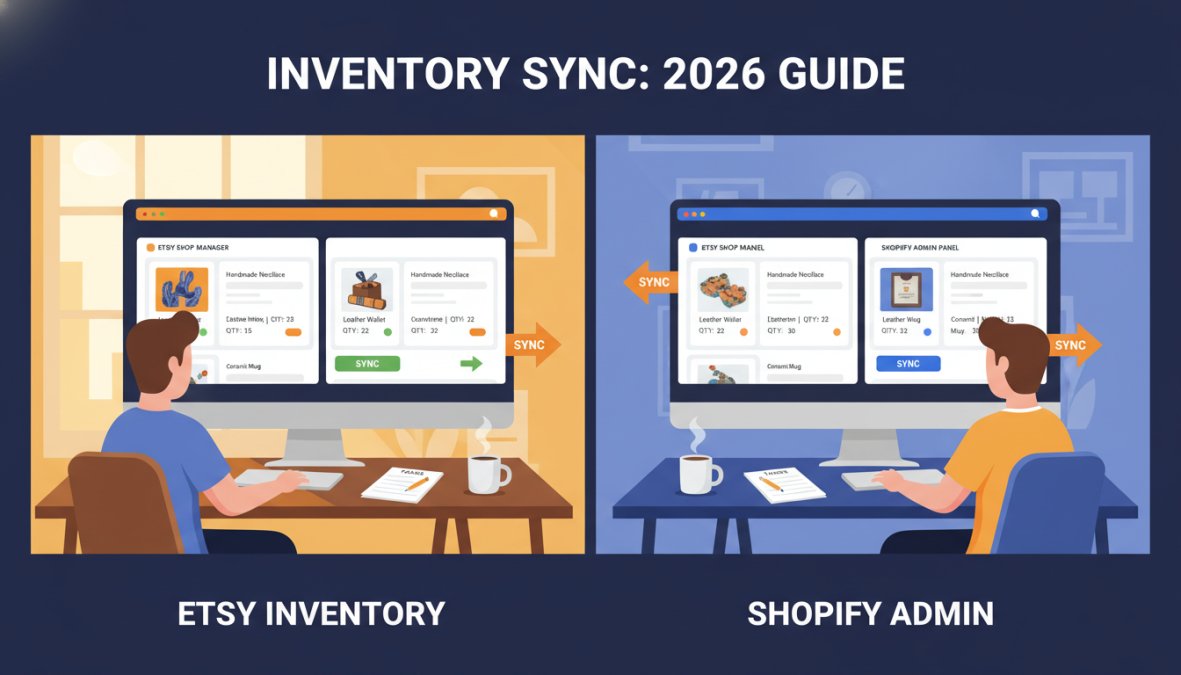
Preventing Overselling with Stock Level Buffers
A stock level buffer is a reserved quantity your sync tool treats as "out of stock" even when physical inventory remains. If you have 10 units and set a buffer of 2, both platforms show a quantity of 8, absorbing latency between a sale and the sync update.
Buffer size by sync frequency:
- Real-time sync: buffer of 1-2 units
- 15-minute intervals: buffer of 3-5 units
- Hourly sync: buffer of 5-10 units (or upgrade to a faster plan)
Set buffers globally first, then adjust for high-velocity products individually.
According to Shopify’s inventory management best practices guide, accurate stock level tracking is one of the top factors in maintaining positive customer experience scores for multi-channel merchants.
Pricing, Tax Synchronization, and VAT Handling for International Sales
Pricing sync is straightforward in a single currency but gets complicated with international sales. Etsy handles currency conversion automatically, but VAT for EU and UK sales is your responsibility for physical goods sold through Shopify. As documented in Etsy’s seller handbook on VAT and taxes, Etsy remits VAT on digital goods in certain regions, but physical goods require manual tax rule configuration in Shopify under Settings > Taxes and Duties.
Practical rules for international pricing and tax sync:
- Keep base prices consistent across platforms to avoid customer complaints
- Use Shopify’s Markets feature for region-specific pricing that accounts for VAT without affecting Etsy listings
- Review tax settings quarterly, especially if approaching EU distance selling thresholds
Protecting Your Etsy SEO During Migration and Sync Setup
This is the part most integration guides skip. Your Etsy listings have accumulated search ranking signals over time, click-through rates, conversion history, reviews, keyword relevance. Poorly configured sync can destroy those signals.
The biggest risk is title and description overwriting. Some apps pull Shopify product titles into Etsy, wiping out months of SEO work in a single sync operation.
To protect your Etsy SEO during setup:
- Export your current Etsy listings before activating sync. Keep this as a backup.
- Set Etsy as the source of truth for titles and descriptions in your integration app settings.
- Disable automatic title sync unless using an AI optimization tool that understands Etsy’s search algorithm.
- After sync is active, spot-check 10-15 listings to confirm titles and tags weren’t modified.
- Monitor Etsy shop stats for two weeks post-setup, a drop in search impressions signals altered listing content.
Embed360’s AI-powered listing optimization tool (Listings Genie) actively optimizes titles for Etsy search while keeping Shopify product names intact, a meaningful distinction for sellers who’ve built Etsy traffic over years. For more detail, Etsy’s official seller handbook on search optimization explains how Etsy’s algorithm weighs listing quality, recency, and conversion history.
Troubleshooting Common Sync Errors
Inventory not updating after a sale
Usually an API authentication issue. The Etsy API token expires periodically, re-authorize your Etsy account in the integration app’s connection settings. If the problem persists, check Etsy’s developer status page for API downtime.
Duplicate products appearing in Shopify
Duplicates occur when the same product is imported more than once due to mismatched SKUs. Delete duplicates, standardize SKUs, and re-run the import with duplicate detection enabled.
Variant mapping errors
If a sale deducts the wrong variant, your variant SKUs aren’t aligned. Audit your SKU mapping table in the integration app and correct mismatched entries, common with sellers who set up Etsy variants without consistent naming conventions.
Orders not syncing to Shopify
Confirm the integration app has correct order read permissions in both admin settings. Some apps require order sync to be enabled separately from inventory sync.
Tracking numbers not pushing to Etsy
Confirm your Shopify fulfillment workflow marks orders as "fulfilled" before sync runs. If using a third-party fulfillment service, verify their tracking updates reach Shopify within the sync interval.
Most sync failures trace back to permission gaps or SKU mismatches, not app bugs, diagnose the data before reinstalling. For deeper technical troubleshooting, the Etsy developer documentation on API rate limits and error codes is the most reliable reference for understanding API call failures.
Running inventory across Etsy and Shopify without a reliable sync layer creates overselling problems, damaged seller ratings, and hours of manual cleanup. Embed360 solves this at the infrastructure level: real-time syncing of listings, inventory, pricing, and images across Shopify and your other sales channels, combined with AI-powered listing optimization that keeps your Etsy search rankings intact while you scale. A free plan is available. Create a free Embed360 account and run your multi-channel inventory from one place.
Frequently Asked Questions
Can I automatically sync Etsy inventory with Shopify?
Yes. Using a third-party integration app, such as Shopify Marketplace Connect, Embed360, or similar tools, you can enable real-time inventory sync between Etsy and Shopify. Once connected via the Etsy API, stock levels update automatically across both platforms whenever a sale is made, eliminating the need for manual updates and significantly reducing the risk of overselling. Most apps offer configurable sync frequency settings so you can control how often inventory levels refresh.
What is the best app to sync Etsy and Shopify?
The best Etsy Shopify integration app depends on your shop size and needs. Shopify Marketplace Connect is a native option built into the Shopify admin. Third-party tools like Embed360, Nembol, and LitCommerce offer additional features such as bulk product import, AI-powered listing optimization, and multi-channel selling across platforms like WordPress, Wix, and Google Shopping. Evaluate each based on sync frequency, SKU mapping capabilities, pricing, and whether a free plan is available before committing.
Does Shopify sync with Etsy for free?
Shopify Marketplace Connect offers a free entry-level option for connecting Etsy to Shopify. However, free plans typically come with limitations on the number of listings, sync frequency, or automated order fulfillment features. Platforms like Embed360 also offer a free plan to get started with real-time syncing of listings, images, pricing, and inventory. For growing shops managing high order volumes or multiple sales channels, a paid plan generally provides better automation and reliability.
How do I manage inventory across multiple sales channels?
To manage multi-channel inventory effectively, use a centralized inventory management platform that connects all your sales channels, Etsy, Shopify, social media, and Google Shopping, in one place. Set up real-time sync so stock levels update instantly after every sale. Use SKU mapping to ensure each product variant is correctly matched across platforms. Enable stock level buffers to prevent overselling, and configure automated order fulfillment with tracking numbers to keep order status sync accurate across all channels.
Will syncing Etsy and Shopify overwrite my product descriptions and Etsy SEO?
This is a common concern. Many sync tools allow you to control which data fields are pushed or pulled during synchronization, meaning you can protect your Etsy listing titles and descriptions from being overwritten. However, not all apps handle this gracefully by default. Before syncing, review your app's data mapping settings carefully and use tools like Embed360's Listings Genie to preserve or optimize your Etsy SEO while expanding to Shopify, ensuring your search visibility on Etsy is not compromised.
What happens to my Etsy listings when I connect to Shopify?
When you connect Etsy to Shopify using an integration app, your existing Etsy listings can be imported into Shopify via bulk upload or CSV import. Product attributes, images, pricing, variants, and shop sections are typically mapped to corresponding Shopify fields. Existing Etsy listings remain live and unchanged on Etsy unless you manually edit them. Going forward, inventory levels and order status sync automatically between both platforms based on the sync frequency you configure in the app settings.
